ChatGPT
ChatGPT is an OpenAI chatbot which is to offers quick responses to diverse tasks

Safe & Secure
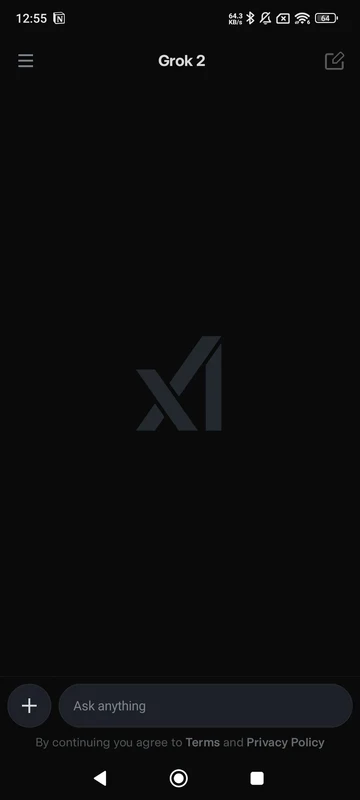
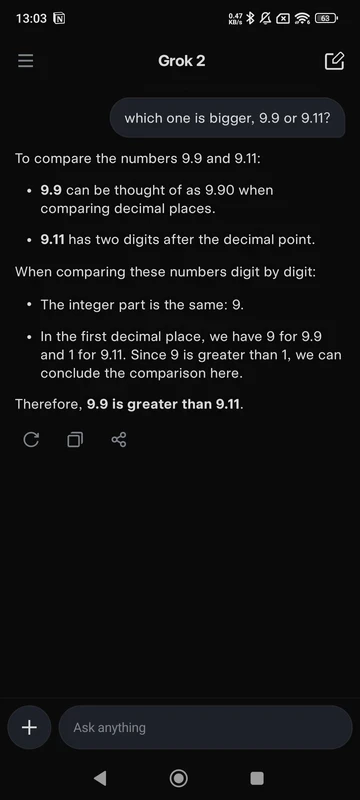
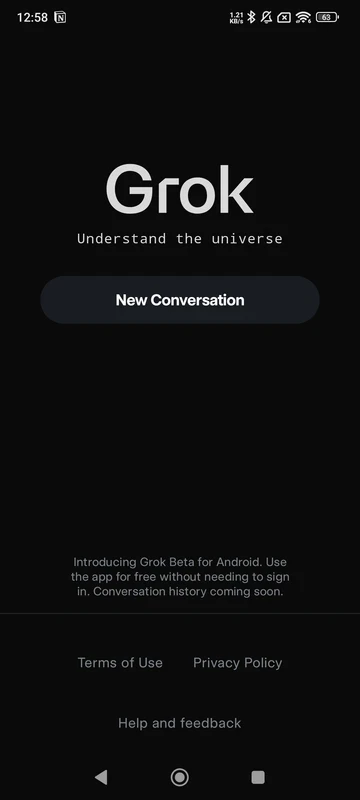
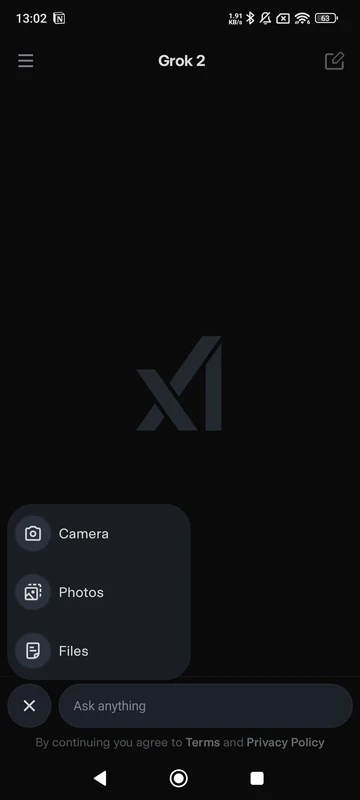
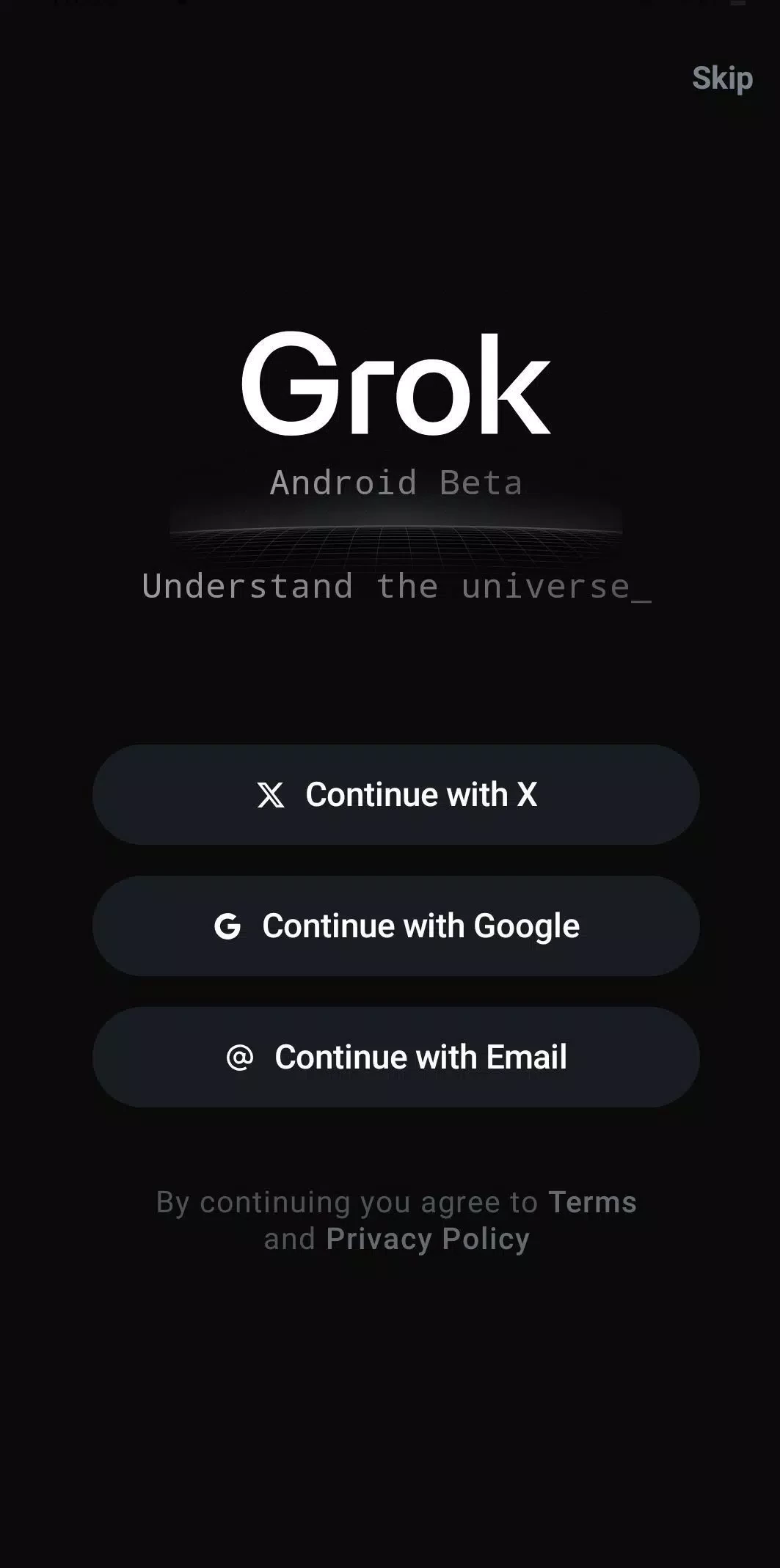

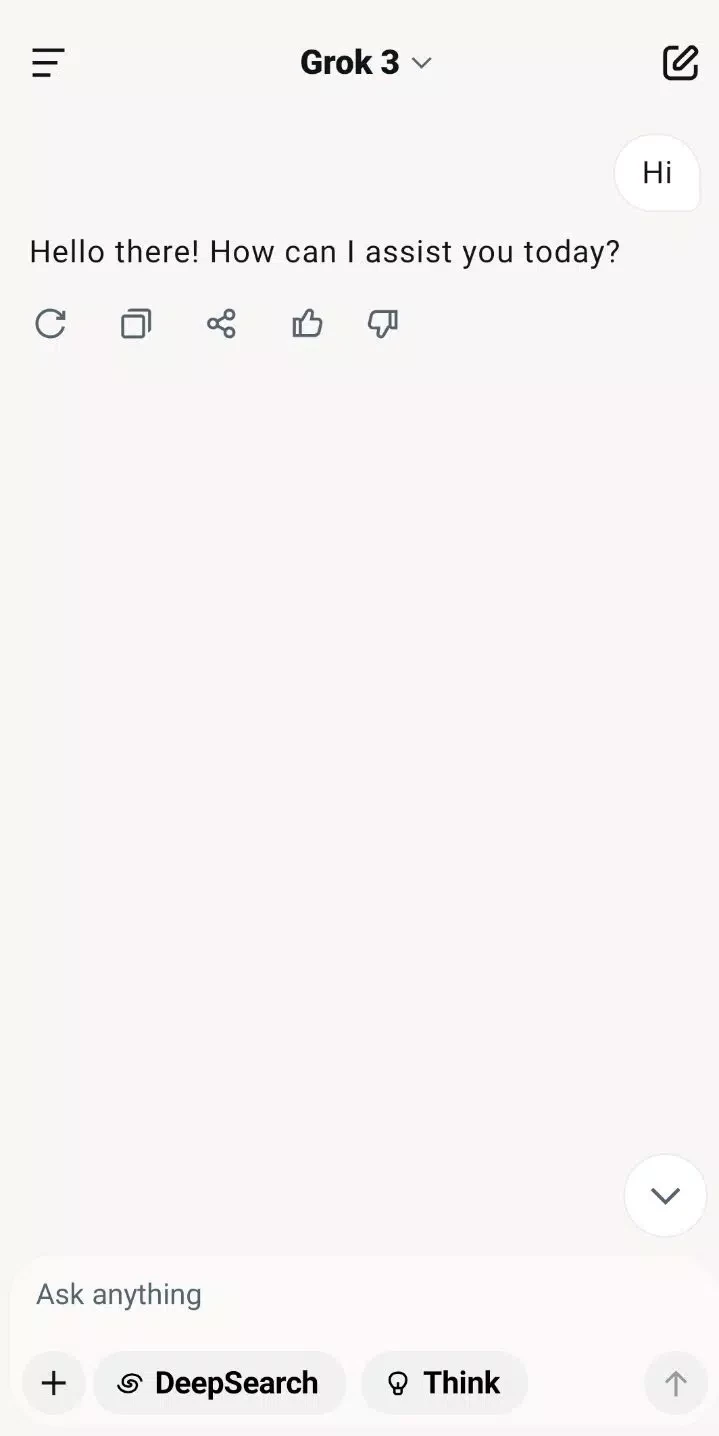
Grok is one of the powerful AI-powered assistants that offers the fastest responses to your queries to make your daily life easier and simpler. The innovative productivity tool enhances the creativity of users while allowing them to ask questions, get detailed answers, create images, and even videos, if you ask for it.
It works similarly to other AI programs such as ChatGPT, Gemini, and so on, as it also works smartly while offering deep insights about any subject. It also allows users to upload pictures, and it will give a complete analysis with references.
Grok is a comprehensive AI tool developed by xAI to help users while assisting them in different routine matters. It was an AI startup of Elon Musk that was launched as a standalone Android app, and proved to be one of the best competitors for OpenAI’s ChatGPT, Anthropic’s Claude, Google’s Gemini, and Meta’s MetaAI.
It is part of a popular platform called “X”, previously known as Twitter. It offers free services and also a subscription plan if you are interested in advanced functionality. You can use various methods to ask questions, including typing a prompt, uploading a picture, or using your voice.
As we aforementioned, the AI assistant is integrated into the most popular social media platform called X(Twitter). So, it delivers a lot of breaking news, trend drivers, and other public conversations while pulling the current topics and context from X. In this way, you can read the entire report while clicking any headline without switching from your chat.
xAI has made it possible to avoid any type of unwanted or unnecessary material through safety updates, so this will minimize threats in media outputs. It also allows you to give your feedback to any of the available content while using the app report or flag tools. The privacy and content settings are customizable, so you can set them according to your preferences, such as modifying your account controls for adjusting the contacts who can connect you, data usage, and how to store your content.
You will find multiple methods to enter your questions and get details for your ease. You can use a text command to enter a prompt, or use the voice mode to quickly add your query. You can upload a picture and ask for explanations or descriptions. It is the best way of accessing quick summaries, scene descriptions, and step-by-step assistance from the AI-powered wizard.
The app, with an intuitive interface, is simple to use. If you have an X account, you can easily use it. However, you can use it as an exclusive app while installing the Grok APK and creating an account to sign in. You can use the app while starting a new chat or ask a direct question. For current events, you can ask Grok to use live context from X.
The AI-powered assistance not only gives summarized answers to your questions but also helps in writing code, reviewing snippets, and so on. You can also fix STEM problems, draft structured documents, and analyze text. In this way, it helps to change your outline into a complete output within a few seconds.
The upgraded version of Grok has support for Aurora Engine, which is a visual generation system used to produce images and short videos within a few seconds. You need only to explain your requirements for generating visual content, such as;
The app also supports multiple generation modes such as;
You will find limited free services across the world, and paid services as well. It offers Grok 3 Fast to satisfy your everyday queries, and Grok 4 Expert helps to manage advanced reasoning. In addition, you can enhance usage limits and features while accessing X Premium tiers.
You will find Personality modes for tailoring the tone of interaction, such as;
So, you can quickly switch between modes and reliably enjoy a light joke in Fun Mode or get a summarized answer in Regular Mode while managing the balance between accuracy and warmth.
Pros
Cons

ChatGPT is an OpenAI chatbot which is to offers quick responses to diverse tasks

Microsoft 365 Copilot is an AI-powered utility with smart work from anywhere.

Google Gemini AI-powered content right on your smartphone

PayPal enables users to transfer money securely and safely within a trusted digital wallet.

Android Auto for smart, safe driving while staying connected on the road

Perplexity AI-powered search companion asks more, and gets detailed information